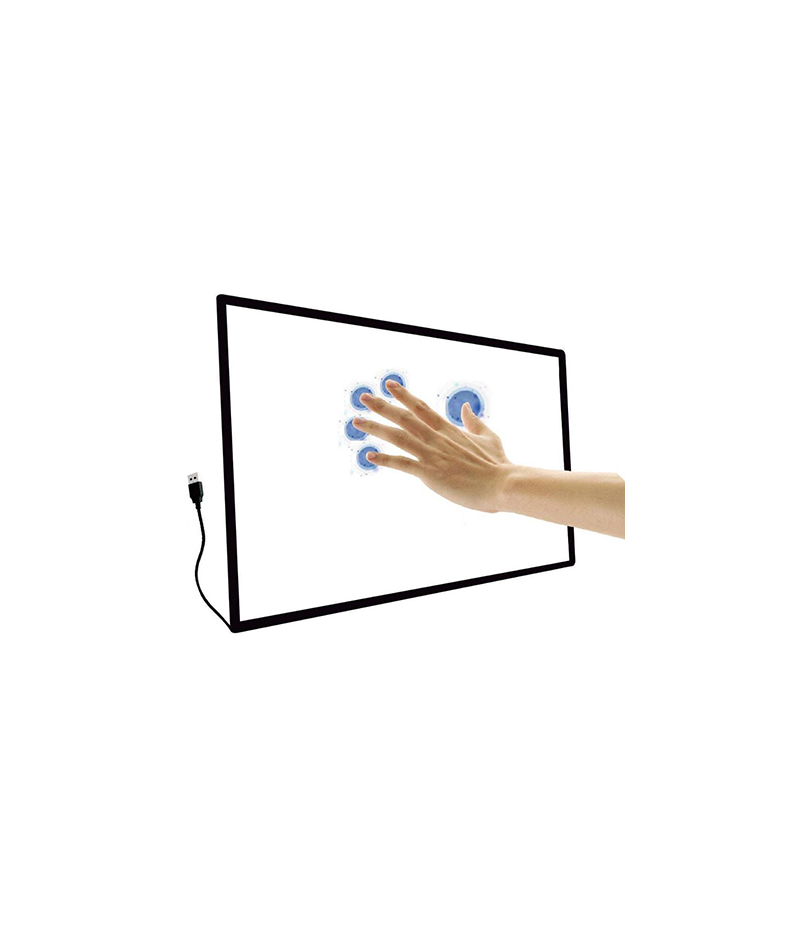
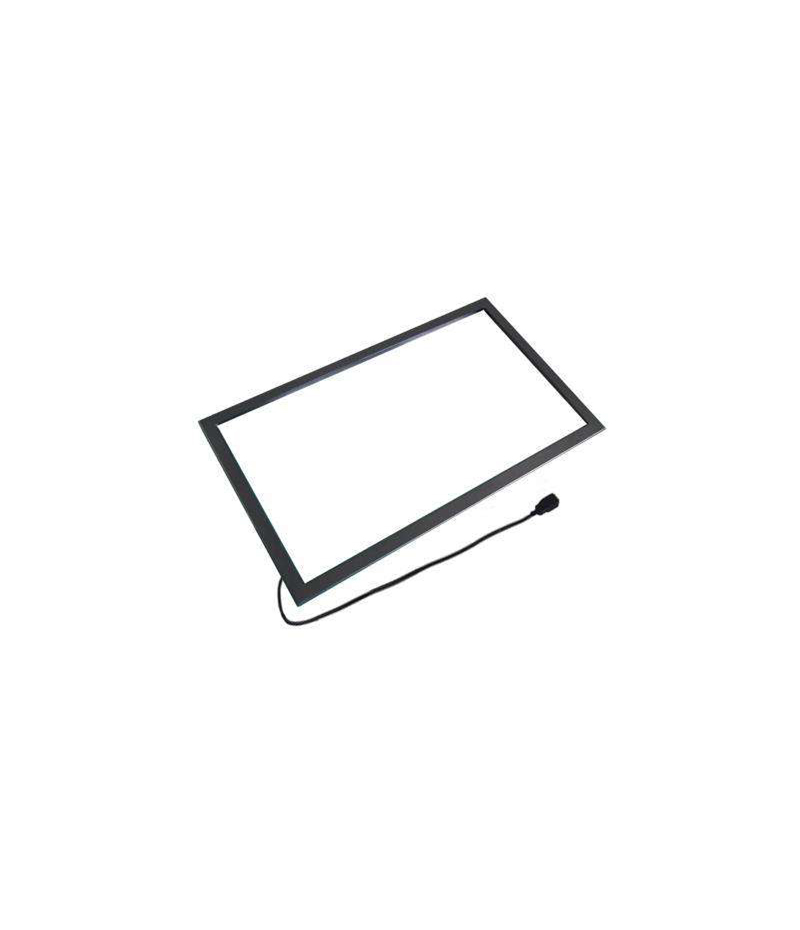
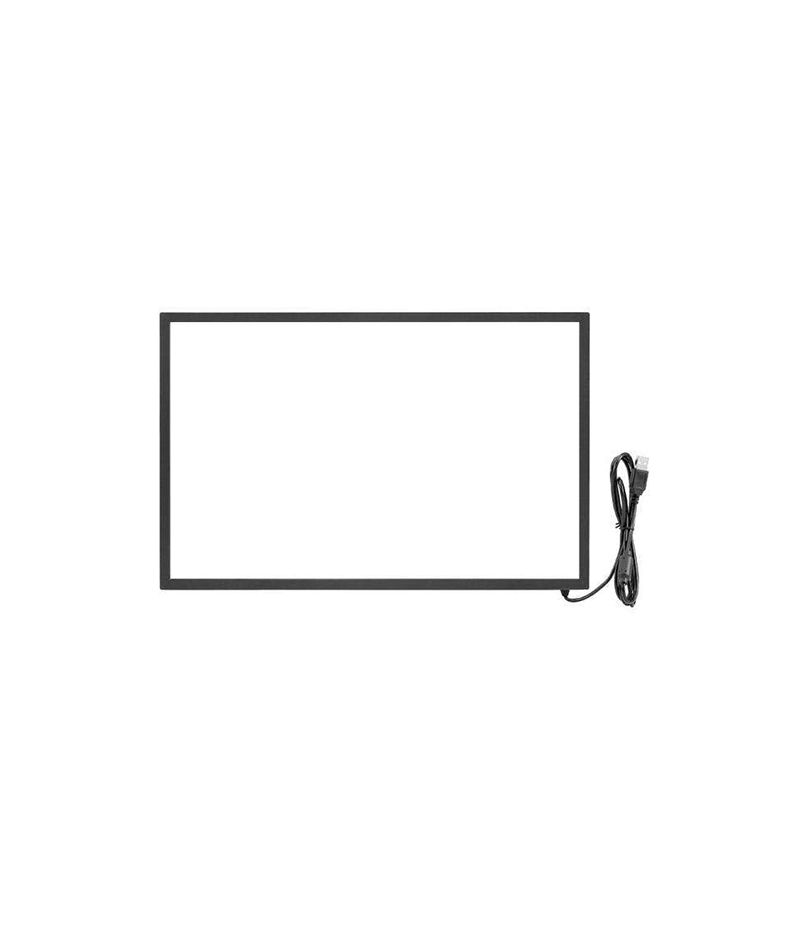
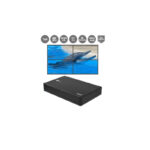
Open Frame Touchscreen
-
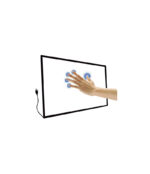
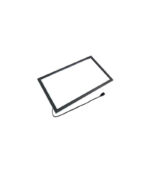
A bezel or touch-frame around the screen holds infrared LEDs and sensors on its sides.
-
These LEDs form horizontal and vertical infrared beams across the screen surface, creating a virtual grid.
-
When something touches the screen (finger, stylus, gloved hand, etc), it interrupts one or more beams. The system detects which beams are interrupted and calculates the coordinates of the touch.
-
The controller passes that coordinate on to the computer/display as a standard touch input (usually USB HID) so the UI sees it like a regular touch screen.
Key Advantages
Excellent optical clarity: Because there’s no extra film or layer on the glass (as in some other touch technologies), the display shows clearer, with higher transparency.
Works with many input types: Fingers (bare or gloved), stylus, objects — because the detection is beam interruption, not capacitive or pressure-based.
Durable and scalable: Suitable for large displays (video walls, kiosks) since the grid can scale to very large sizes with fewer limitations than some overlay film technologies.
No special coating or conductive layer needed on display: Simplifies design and can help longevity.
Limitations / Things to Watch
Bezel / frame required: IR systems typically need a visible or at least physical frame around the display to house the LEDs/sensors. That means “edge-to-edge” aesthetic may be harder.
Susceptible to environmental interference: Dust, dirt, bright ambient light (especially strong sunlight) or direct light can interfere with the infrared beams and cause false touches or missed touches.
Touch-height / parallax issue: Because the beams are just above the surface, if the bezel or frame is raised, there can be slight “hover” detection before contact, or positional inaccuracy. Some users report this.
Accuracy vs other technologies: For ultra-fine stylus work (e.g., very precise drawing), other technologies (like active pen or capacitive with high resolution) might outperform IR in some cases.
Installation matters: For overlays or retrofits (adding IR frame to an existing display), proper calibration, flat bezel, bezel-height alignment matter. Users have pointed out difficulties.
Typical Use-Cases
Interactive kiosks, digital signage in public spaces (malls, airports) where durability and use with gloved hands matter.
Large interactive displays or walls (because IR scales well).
Classrooms, meeting rooms, presentation setups where multi-touch and collaboration are desired.
Environments where screen clarity and robust touch (with stylus, gloves, etc) are needed rather than ultra high-precision drawing.
| Color |
Beige ,Black ,Blue ,Brown ,Yellow |
|---|
Parturient ut id tellus vulputatre ac ultrlices a part ouriesnt sapien dignissim partu rient a a inter drum vehicula. Ornare metus laoreet tincidunt eros rolem tristique pretium malada.
Cras rhoncus vivamus luctus platea arcu laoreet selm. Curae est condenectus sed hac a parturient vestibulum.
MAECENAS IACULIS
Vestibulum curae torquent diam diam commodo parturient penatibus nunc dui adipiscing convallis bulum parturient suspendisse parturient a.Parturient in parturient scelerisque nibh lectus quam a natoque adipiscing a vestibulum hendrerit et pharetra fames nunc natoque dui.
ADIPISCING CONVALLIS BULUM
- Vestibulum penatibus nunc dui adipiscing convallis bulum parturient suspendisse.
- Abitur parturient praesent lectus quam a natoque adipiscing a vestibulum hendre.
- Diam parturient dictumst parturient scelerisque nibh lectus.
Scelerisque adipiscing bibendum sem vestibulum et in a a a purus lectus faucibus lobortis tincidunt purus lectus nisl class eros.Condimentum a et ullamcorper dictumst mus et tristique elementum nam inceptos hac parturient scelerisque vestibulum amet elit ut volutpat.

Reviews
There are no reviews yet.